
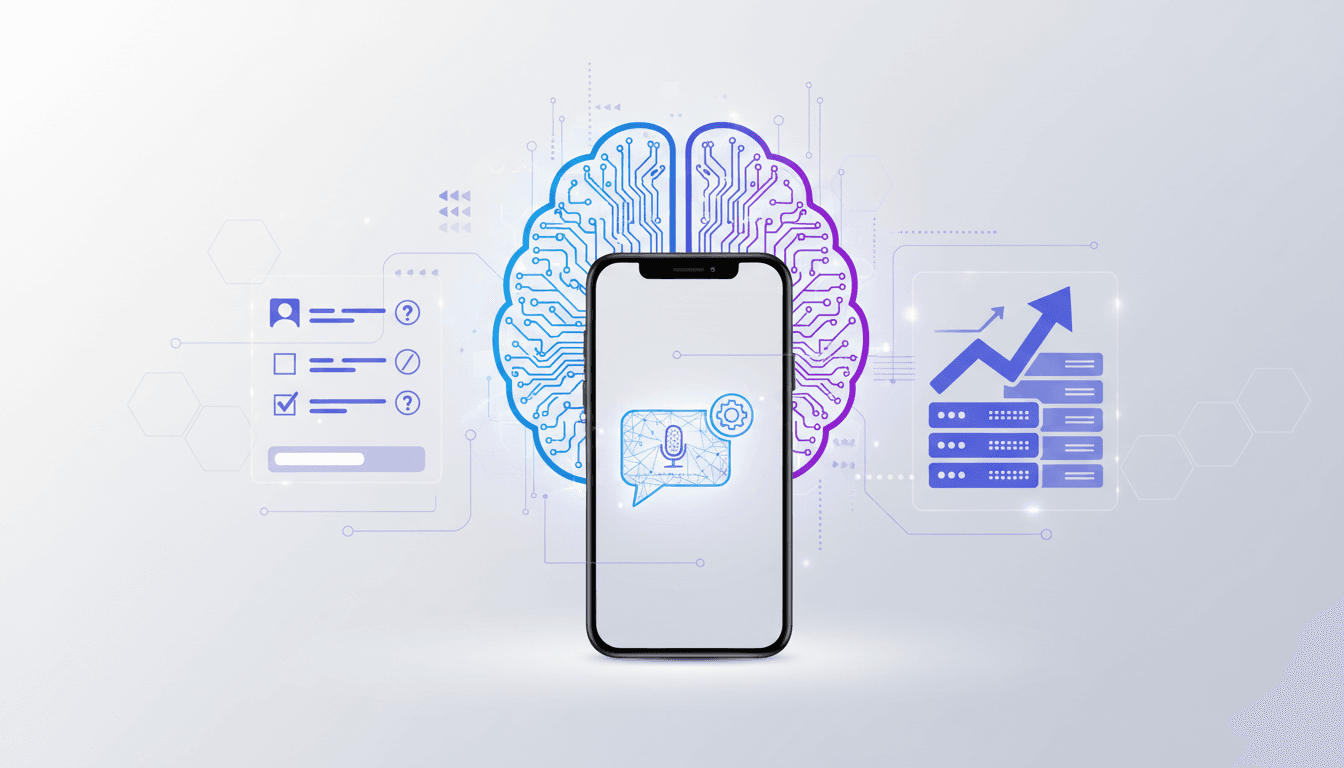
Stop Guessing: Build Your Own AI Interview Assistant
Remember those awful whiteboard coding sessions where you’d just freeze? Or the behavioral questions where you mumbled something about "synergy" and felt like an absolute clown? I've been there, trust me. That's why building your own AI interview assistant isn't some futuristic fantasy; it’s a tactical advantage that will immediately improve your prep. You're essentially creating a personal, tireless, and brutally honest mock interviewer who’s always on call.
The Problem with Standard Prep: It’s Passive
Most people prep for interviews like it’s a history exam. They read "Cracking the Coding Interview," watch a few YouTube videos, and maybe do some LeetCode. That’s passive consumption. It feels productive, but it doesn't build the muscle memory you need for high-pressure situations. You need to do the interview, not just read about it. A friend asked me recently how to really nail those system design rounds. I told him: stop watching other people draw boxes. Start drawing your own. Then, get someone to tear your design apart. That’s where an AI assistant comes in. It provides that active, critical feedback loop without needing to beg a senior colleague for an hour of their time every night.
What Your AI Interview Assistant Needs
Forget fancy GUIs for a second. We're talking core functionality. Your assistant needs three primary components: a question generator, a response evaluator, and a knowledge base. You can stitch these together with a few API calls and some Python. We're not building a product here; we're building a tool for you.
First, the question generator. This is probably the easiest part. You feed it a role description, maybe some company-specific details, and it spits out relevant questions. Think about that Senior Staff Engineer role at Google you're eyeing. You need questions on distributed systems, large-scale data processing, leadership, and conflict resolution. Your assistant should be able to whip up a fresh set of questions every time you open it.
Second, the response evaluator. This is where the magic happens. You’ll speak your answer, the AI transcribes it, and then critically assesses it. Did you hit the key points for a system design question? Was your behavioral story structured using STAR? Did you explain your thought process clearly for a coding problem? This component needs to be opinionated and specific. Saying "good job" doesn't help. Saying "you missed the consistency trade-offs when discussing eventual consistency in your distributed database design" is actionable.
Third, the knowledge base. This is your curated data. It could be your past interview experiences, common system design patterns, optimal data structures and algorithms, or even specific company values. The AI references this to generate better questions and provide more informed feedback. You’re essentially training it on what you need to know.
Building the Brain: Model Selection & Prompt Engineering
You're going to use Large Language Models (LLMs) for this. Don't overthink the choice too much. For a personal assistant, GPT-4 (or even 3.5 Turbo for cost-effectiveness) or Claude Opus are excellent starting points. Gemini Pro is also a viable option. The key isn't necessarily the absolute best model, but one you can iterate with quickly.
For question generation, your prompt might look something like this:
"You are an interviewer for a Senior Software Engineer role at a FAANG company specializing in large-scale distributed systems. The candidate has 8 years of experience. Generate 3 behavioral questions, 2 system design questions (focus on scalability and fault tolerance), and 1 coding problem (medium difficulty, array manipulation). Ensure questions are distinct and challenging."
See? Specificity matters. You're telling it who it is, what it's doing, and what kind of questions you need.
For response evaluation, the prompt becomes more complex. You'll layer instructions:
"You are a critical but fair interviewer evaluating a candidate's response. The original question was: [Insert Question Here]. The candidate's response was: [Insert Candidate's Transcribed Response Here].
Your evaluation should cover:
1. **Clarity and Conciseness:** Was the explanation easy to follow? Was there unnecessary jargon or rambling?
2. **Technical Depth (if applicable):** Did they demonstrate deep understanding of underlying concepts? Did they consider trade-offs?
3. **Problem Solving Approach (if coding/system design):** Did they break down the problem? Did they explore alternatives? Did they consider edge cases?
4. **STAR Format (if behavioral):** Did they structure their answer using Situation, Task, Action, Result? Were the results quantifiable?
5. **Areas for Improvement:** Provide 1-2 specific, actionable suggestions for how the candidate could improve their answer.
Rate the answer on a scale of 1-5, with 5 being excellent. Provide your feedback first, then the rating."
This multi-part prompt guides the AI to analyze your response holistically. You’re essentially providing a rubric. Don't be afraid to experiment with these prompts. A slightly rephrased instruction can yield drastically different feedback. This isn't just about coding; it's about teaching the AI to think like a human interviewer.
Integrating Speech-to-Text and Text-to-Speech
You don't want to type out your answers. That defeats the purpose of simulating a real interview. You need speech-to-text (STT). Google Cloud Speech-to-Text, Azure Speech, or OpenAI's Whisper API are all excellent choices. Whisper is particularly good for accuracy and ease of use. You'll capture your audio, send it to the STT API, and get back a transcript. That transcript feeds into your response evaluator.
For the AI to ask questions, you'll want text-to-speech (TTS). This makes the experience much more immersive. Again, Google Cloud Text-to-Speech, Azure's TTS, or ElevenLabs are great options. Choose a voice that isn’t too robotic. You're trying to simulate a human interaction, not an automated phone system.
Designing Your Feedback Loop: The Iterative Edge
This is where the real value lies. After each answer, your AI assistant gives you feedback. Don't just read it and move on. Re-answer the question, incorporating the feedback. This iterative process is crucial. It’s like a coding kata for interviews.
For example, if your AI says, "Your system design for a URL shortener missed discussing potential issues with hash collisions at scale and didn't mention distributed caching strategies," you immediately know what to study or how to refine your answer. You then re-record your answer, focusing on those specific points. The AI provides new feedback. You repeat. This active learning cements concepts much faster than just reading about them.
You can also program your assistant to follow up. "Okay, you've addressed hash collisions. Now, how would you handle analytics for the shortened URLs, considering millions of clicks per second?" This mimics a sharp interviewer who probes deeper.
Practical Implementation: Tools and Time
You're probably thinking, "This sounds like a lot of work." It's not as much as you think, and the payoff is huge. You can build a basic version of this in a weekend.
Tools Checklist:
- Python: Your scripting language.
- OpenAI Python Client / LangChain / LlamaIndex: For interacting with LLMs. LangChain can simplify chaining prompts and managing conversational state.
- Speech-to-Text API: OpenAI Whisper, Google Cloud Speech-to-Text.
- Text-to-Speech API: Google Cloud Text-to-Speech, ElevenLabs.
- Audio Recording: The
sounddeviceorpyaudiolibrary for Python. - Local Storage/Database: A simple JSON file or SQLite for storing interview history, custom questions, and your knowledge base.
Rough Steps:
- Set up API keys: Get API keys for your chosen LLM, STT, and TTS services.
- Basic question generation: Write a Python script that takes a role and company, prompts an LLM for questions, and prints them.
- Integrate TTS: Have the script speak the questions instead of printing them.
- Integrate STT: Record your response, transcribe it, and print the transcript.
- Basic evaluation: Send your question, your transcribed answer, and the evaluation prompt to the LLM. Print the feedback.
- Refine prompts: This will be an ongoing process.
- Add persistence: Store questions asked, your answers, and the AI's feedback. This lets you track progress and refine your knowledge base.
This isn't a month-long project. You can get a functional prototype running in a few hours if you're comfortable with Python and API integrations. Expect to spend a weekend, maybe two, getting it truly polished for your specific needs. The biggest time sink will be refining your prompts to get the quality of feedback you desire.
Beyond Basic: Adding Advanced Features
Once you have the core system working, you can expand its capabilities.
- Role-Specific Fine-Tuning: If you're interviewing for a frontend role, your knowledge base should include React best practices, state management patterns, and CSS architecture. For a backend role, think microservices, database scaling, and API design. You can create different "profiles" for the AI.
- Mock Interview Modes:
- Timed Mode: Set a strict time limit for each question, just like a real interview.
- Follow-up Mode: Program the AI to ask specific follow-up questions based on common pitfalls or deeper dives (e.g., "What are the trade-offs of that approach?").
- Behavioral Deep Dive: Force it to ask only behavioral questions, probing into your leadership, conflict resolution, or project management skills.
- Knowledge Base Integration: Instead of just sending raw prompts, you can embed your personal notes, previous project experiences, or even company culture documents into a vector database. Then, when the AI generates questions or evaluates answers, it can retrieve relevant information from your personal knowledge base to provide more tailored feedback. Imagine it knowing your specific projects and asking how you applied a certain pattern there. This is where it gets really powerful.
- Sentiment Analysis: A slightly more advanced feature. Does your tone sound confident? Are you hesitant? While a full sentiment analysis might be overkill, a simple check for common filler words ("um," "uh") can be surprisingly useful.
The Caveat: It's a Tool, Not a Replacement
Here’s the honest truth: this assistant won't replace human interaction entirely. You still need to practice with real people, especially for behavioral rounds where human nuance and connection matter. An AI can tell you if your STAR story is structured correctly, but it can’t tell you if you truly conveyed passion or built rapport.
Also, the AI's feedback is only as good as your prompts and the data you feed it. If you're giving it vague instructions, you'll get vague feedback. If your knowledge base is outdated, its advice will be too. You're the editor, the curator, the trainer. You have to actively guide it.
Your AI assistant is a powerful sparring partner, a tireless teacher, and a personalized feedback machine. It gives you unlimited, no-judgment practice. Use it to build confidence, identify weaknesses, and refine your answers to a razor's edge. But remember to step back and actually talk to humans before the big day.
My Workflow: How I Use Mine
I use a simplified version of this, mostly for system design and advanced coding problems. When I'm gearing up for a new role, I'll carve out an hour each morning.
First, I feed my assistant the job description and the company's publicly available engineering blog posts. This gives it context. It then generates a few questions. I'll pick one system design problem, say, "Design a global real-time notification system."
I'll grab my whiteboard (or iPad with a drawing app) and start talking through my design out loud, drawing boxes and arrows as I go. My assistant is recording my audio. After about 15-20 minutes, I indicate I'm done.
Then, the AI spits out feedback. It usually points out areas I missed: "You discussed message queues but didn't address backpressure mechanisms for millions of concurrent users," or "Your consistency model for user preferences wasn't clearly articulated."
I then spend the next 30 minutes researching those specific areas. Then, the next morning, I might tackle the same question again, incorporating the feedback, or I might move to a new question if I feel solid. This iterative process, getting immediate, targeted feedback, has been invaluable. It cuts down on wasted study time. Instead of vaguely re-reading a textbook, I'm focusing on my specific gaps.
For behavioral questions, I record myself answering a prompt and then use the AI for structure and quantifiable results. "You mentioned 'leading a team,' but didn't provide specific actions you took or the measurable impact on the project timeline or team morale." It's like having a tough coach who doesn't care about your feelings, only your performance. That directness is actually quite liberating.
Beyond Interview Prep: Your AI Engineering Co-Pilot
Think bigger than just interviews. This same architecture can become your daily engineering co-pilot. Stuck on a tricky architectural decision? Describe the problem, your proposed solutions, and let your AI assistant play devil's advocate. It can point out potential failure modes, scalability bottlenecks, or security vulnerabilities you might have overlooked.
Consider using it for code reviews. Paste a block of code and ask it to find bugs, suggest optimizations, or check for adherence to coding standards. It won't replace a human reviewer, but it can catch low-hanging fruit and even suggest improvements you hadn't considered. It’s essentially a personalized rubber duck that can actually talk back intelligently.
You can feed it your project documentation and ask it questions about your own system, like "Explain the data flow for a user registration request." This helps you articulate complex systems more clearly, which is a key skill in senior roles.
This isn't about being lazy; it's about augmenting your intelligence and efficiency. We use IDEs, linters, and debuggers to improve our coding. Why not use AI to improve our thinking, communication, and interview skills? It’s just another tool in your well-stocked engineering toolkit.
The Future of Your Interview Edge
The models are only getting better, faster, and cheaper. The accuracy of speech-to-text and the naturalness of text-to-speech are constantly improving. What you build today will only become more powerful and seamless tomorrow.
If you’re serious about your career, about landing that Staff or Principal Engineer role, you need every edge you can get. Relying solely on traditional prep methods is like bringing a knife to a gunfight. Your personal AI interview assistant? That’s your tactical nuclear option. It’s how you get that hyper-personalized, relentlessly critical, always-available feedback that simply doesn’t exist anywhere else. Start building it. You'll thank yourself for it.
Ready to Ace Your Next Interview?
Practice with AI-powered mock interviews tailored to your target role and company. Start Practicing for Free | Explore Interview Prep